Grades 5–8

Spark your ideas to life.

Hands-on learning for students ready to imagine, experiment, and create — in a safe, guided space.

How it works

Spark. Build. Launch.

Each session produces a real project with AI safety, responsibility, and education at the forefront.

Spark

Students begin with questions and ideas about AI and how to create meaningful tools and technology.

</>

Build

Students turn their ideas into real projects, like games, animations, stories, websites, and applications, using AI tools that prioritize safety and education.

🚀

Launch

Students present their projects to family and peers and explain how they brought their ideas to life alongside the Spark AI team.

The details

Details

Spark AI offers flexible program options designed for different learning goals.

Format

Weekly sessions

90-minute sessions, once a week.

Grades

5–8

Ages 10–14, no prior experience needed.

Size

8–12 students

Small groups to provide more opportunities for individualized support.

Materials

A laptop

Any laptop or mobile computer with a web browser and reliable internet access.

What we believe

Build boldly and responsibly.

Spark AI teaches students how to bring their ideas to life using AI, while developing creativity, critical thinking, technical skills, and responsible habits.

01

Creativity

Students are encouraged to explore, experiment, and turn their own ideas into something they can create, test, and share using programming and AI.

02

Critical Thinking

Students learn to evaluate the tools and information they use, with AI supporting their ideas instead of replacing them.

03

Safety & Responsibility

Students develop safe and responsible technology habits, from protecting their privacy and making informed choices to understanding how and when to use AI effectively.

04

Technical Skills

Students learn how AI works while building foundational skills in programming, logic, and design to create their own games, applications, websites, and digital projects.

Digital safety and AI literacy are prevalent in each session.

Supervision

Students use age-appropriate tools for specific, supervised activities with clear learning goals.

Privacy

Students are taught to keep personally identifiable information out of prompts and projects.

Responsibility

Students learn to use AI responsibly, including copyright, attribution, and respectful use.

Safety

Students learn how to make informed decisions with the AI they interact with.

Questions

Parents ask us

What is Spark AI?

Spark AI offers project-based programs where students in grades 5–8 learn about artificial intelligence and computer science by building games, applications, websites, and other digital projects using age-appropriate AI and technology tools. Spark AI students develop technical and problem-solving skills while learning how to evaluate AI-generated information and use AI safely, responsibly, and effectively.

Do students need coding experience?

No prior coding experience is needed. Spark AI is designed to meet students at their skill level, with guided activities to help beginners become comfortable and experienced students build and challenge themselves.

How do the programs support students of all experience levels?

Students work with accessible, beginner-friendly tools while receiving individualized guidance and opportunities to take on more advanced concepts based on their experience and skill level.

What will students build in the programs?

Students build games, animations, interactive applications, data-driven projects, and websites, concluding each program with a digital portfolio of their work.

What technology and AI tools will students use?

Students will work with a variety of programming, web development, and AI tools selected for their age group and the projects they are building. Tools are carefully reviewed for safety, privacy, age requirements, and educational value, with AI use supervised by instructors.

What device will students need?

Students will need a laptop or mobile computer with a web browser and reliable internet connection. No specialized equipment or software is required.
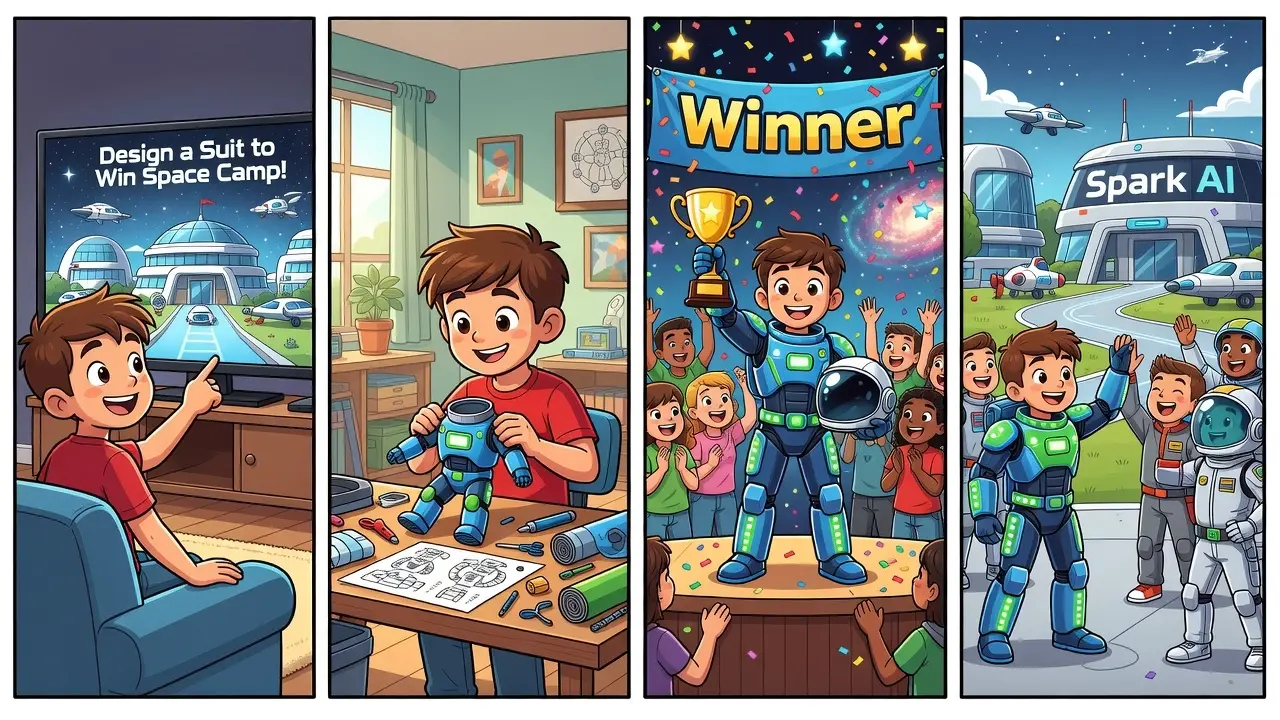
Your kid has ideas — we bring them to life.

Take a look at examples of what your child could build next.